
Explore. Discover.
Enjoy Sportzfy.
Everything you need to know about Sportzfy, bringing you closer to a better experience.
Download Sportzfy APK
How to Find Live Matches and Sports Channels on Sportzfy
Finding a live sports match should not feel complicated. However, sometimes the channel list looks confusing, the match appears on another channel, or the selected stream refuses to open.
If you use Sportzfy to explore sports channels, knowing how to navigate the available options can save time. This guide explains how to find live matches, choose suitable sports channels, and handle common viewing problems.
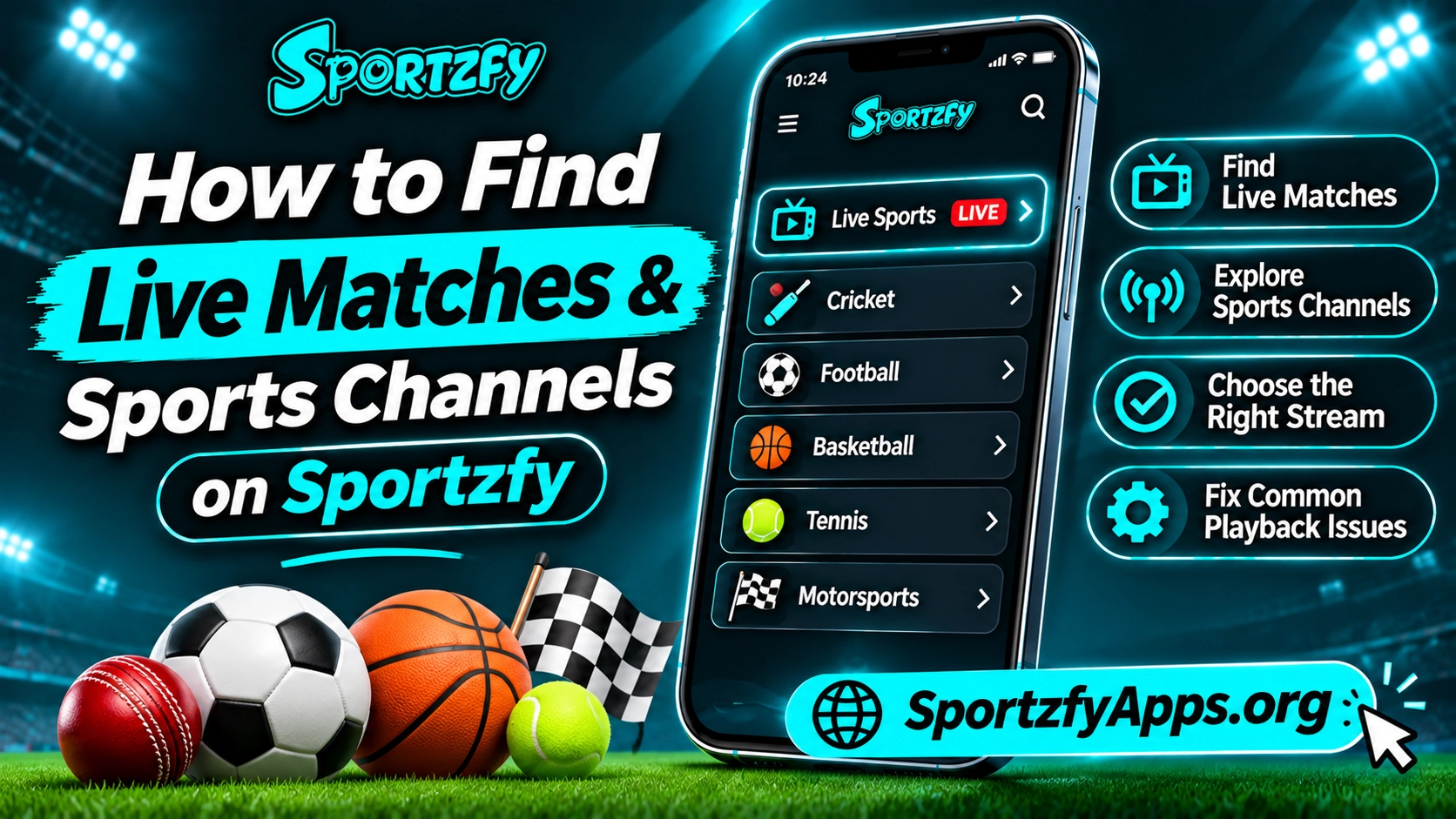
Start with the Sport You Want to Watch
Before opening different channels, decide which sport you want to follow. This makes searching easier, especially when several events happen simultaneously.
For example, you might want to watch:
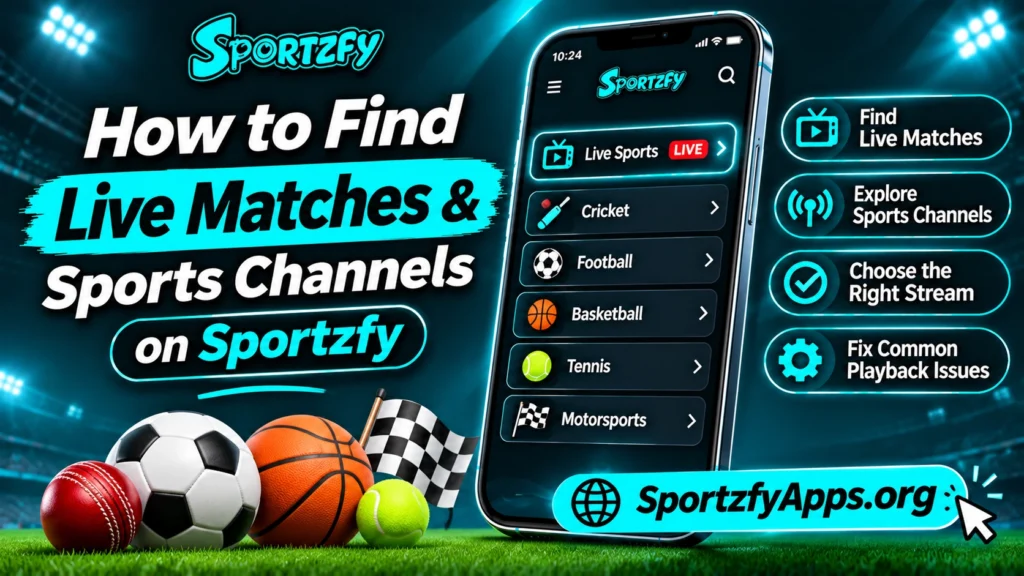
- Cricket matches and tournaments
- Football leagues and international games
- Basketball competitions
- Tennis matches
- Motorsports events
Open Sportzfy App and look for the available sports categories or channel listings. Depending on your app version, the layout and category names may differ.
If your preferred sport appears in a category, start there instead of browsing every available channel.
How to Find Live Matches on Sportzfy
Follow these steps to locate an available sports stream.
Step 1: Open the Sports Channel List
Launch Sportszfy on your Android phone or supported TV device.
Allow the app to finish loading before selecting anything. If the channel list appears incomplete, wait briefly and check your connection.
Step 2: Choose the Relevant Sports Category
Look for the category related to your event. For example, cricket viewers should begin with cricket-related channels.
This approach helps narrow down the available options. It also prevents unnecessary browsing through unrelated sports channels.
Step 3: Identify the Channel Showing Your Match
A match may not appear under its exact team names. Instead, it might be available through a sports broadcaster or regional channel.
Check the available channel names and descriptions carefully. If one channel does not show your event, return to the list and try another relevant option. Remember that Sportzfy tv live channel availability can change. A channel that worked previously may not always carry the same event.
Step 4: Open the Stream and Check the Broadcast
Select the channel and allow the stream to load.
Once playback starts, confirm that the broadcast matches your intended event. Sometimes a channel may show another match, studio coverage, highlights, or a different program.
If the event is not playing, avoid repeatedly tapping the same channel. Return to the channel list and check other available options.
How to Choose the Right Sports Channel
Selecting the first available channel is not always the best choice. A few simple checks can help you find a better stream.
Check the event first: Confirm that the channel is broadcasting your intended match.
Compare available options: If several channels cover the same event, try another one when playback quality is poor.
Give the stream time: Some channels need a few moments to start playing.
Avoid unnecessary switching: Constantly changing channels can interrupt playback and make troubleshooting harder.
When using Sportzfy apk, focus on identifying the correct broadcast rather than opening every channel randomly.
What to Do When Your Match Is Missing
Sometimes you cannot find the event you want. This does not always mean the app is broken.
Try these practical checks:
- Check whether the match has actually started.
- Look through other relevant sports categories.
- Check whether another channel carries the event.
- Confirm that your internet connection works properly.
- Reopen the channel list if it appears incomplete.
Sports broadcasting rights vary by country and competition. Therefore, an event may be available through different broadcasters in different regions. If no suitable channel appears, the match may not be available through the current app version or channel lineup.
Sportzfy Channel Opens but Shows Another Match
This problem can be confusing. You select a channel expecting one event, but another broadcast appears.
Here is what you can do:
- Return to the channel list.
- Check another channel related to your sport.
- Allow the alternative stream to load.
- Confirm whether it shows the correct event.
Do not assume every sports channel broadcasts every match. Some channels focus on particular competitions, regions, or scheduled programs.
Match Found but Stream Does Not Play
Finding a channel is only the first step. Playback problems can prevent you from watching the actual match.
If a stream refuses to open, try these checks:
- Test another available channel.
- Check your internet connection.
- Close and reopen the app.
- Restart your device if playback remains stuck.
- Check whether other apps can play online videos.
If multiple channels fail simultaneously, the problem may involve connectivity or stream availability rather than one particular channel.
For more detailed troubleshooting, read our guide on Sportzfy Buffering? How to Improve Streaming Quality.
Tips for Finding Matches Faster
You can make sports browsing more efficient with a few habits.
- Open your preferred sports category first.
- Remember channel names that previously worked.
- Check alternative channels when broadcasts change.
- Avoid repeatedly opening unavailable streams.
- Keep the app updated only through a source you can verify.
If your version includes a favorites option, you can use it for frequently watched channels. However, this feature may not appear in every version. These habits make Sportzfy app download easier to navigate without unnecessary channel switching.
Final Thoughts
Finding live sports becomes easier when you know where to start. Choose your sport, explore the relevant channels, confirm the broadcast, and switch options when necessary. Sportzfy for Android channel availability is not guaranteed for every match. Broadcast schedules, regional rights, and stream availability can change.
The best approach is to browse carefully, test relevant channels, and avoid assuming that every listed channel will show your preferred event. With these simple steps, you can spend less time searching and more time enjoying the match.